Onderwijs
Toon roosters, mededelingen en campusinformatie op schermen in gangen, kantine en ingangen.
Waarom digitale signage in het onderwijs
Studenten en medewerkers zien overal dezelfde actuele informatie. Geen verouderde prikborden meer.
Papieren mededelingen en vaste borden zijn lastig actueel te houden in meerdere gebouwen en verdiepingen. Digitale schermen in gangen, kantine en ingangen kunnen roosters, zaalwijzigingen en evenementen realtime tonen. Zodat iedereen geïnformeerd blijft zonder te zoeken naar het laatste blaadje.
Bij een dringende of campus-brede mededeling kun je die in één keer naar elk scherm sturen. Daarmee is digitale signage ideaal voor noodsituaties, examenupdates en belangrijke aankondigingen, terwijl dagelijkse content per gebouw of zone beheersbaar blijft.
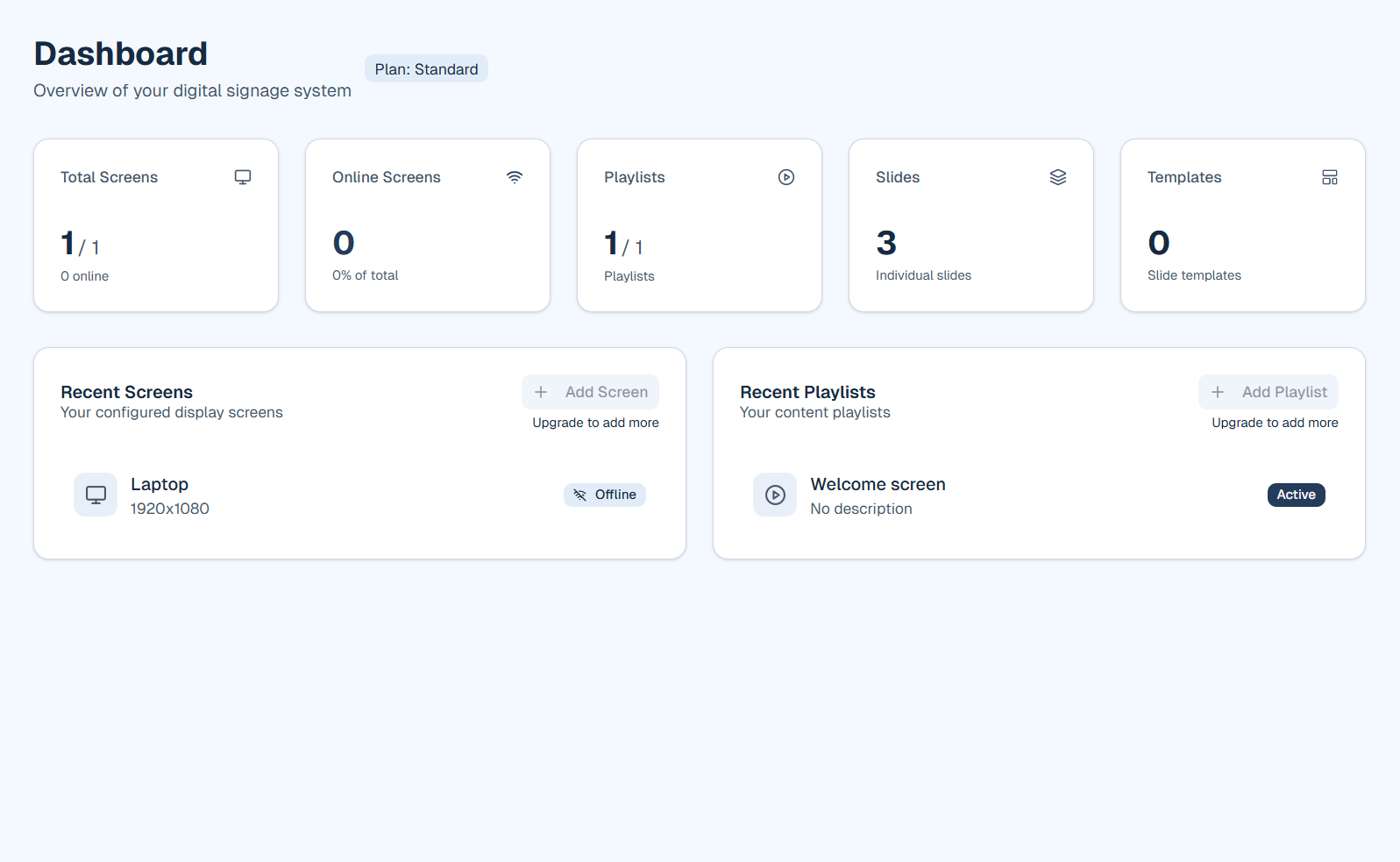
Zo ziet het eruit in firmo
Wat je kunt doen
firmo helpt je om consistente, actuele informatie over je locatie te tonen.
- Roosters en zaalwijzigingen die over de hele campus synchroon blijven
- Evenementen, buitenschoolse activiteiten en kantine- of lunchmenu's
- Nieuwsticker en mededelingen die je vanuit één dashboard bijwerkt
- Nood- en veiligheidsberichten naar alle schermen wanneer nodig
- Verschillende content per gebouw of verdieping zodat elk gebied relevante info toont
Belangrijkste voordelen voor onderwijs
- Houd roosters en ruimtewijzigingen actueel op de hele locatie
- Verspreid mededelingen en noodberichten naar alle schermen
- Toon evenementen en buitenschoolse activiteiten op één plek
- Beheer verschillende content per gebouw of verdieping
Voorbeeldtoepassingen
Hoe je begint
Registreer je en voeg een afspeellijst toe met roosterdia's, een nieuwsticker of agenda-widget. Installeer de speler op schermen in elk gebouwje kunt per locatie andere afspeellijsten gebruiken.
Klaar om firmo voor jouw sector te proberen?
Start gratis of boek een korte demo. We laten playlists, widgets en schermen zien.