Kantoren
Houd teams op de hoogte met schermen in de lobby, gangen en vergaderzones. Agenda's, mededelingen en welkomstberichten.
Waarom digitale signage op kantoor
Vervang statische posters door live content. Toon wie waar vergadert, nieuws en agenda-feeds van Google of Microsoft.
Statische posters en prikborden raken snel verouderd en weerspiegelen zelden de actuele bezetting. Met digitale signage tonen vergaderruimte-displays live agenda-data, zodat iedereen ziet welke ruimte vrij is. Lobby- en gangschermen kunnen bedrijfsnieuws, KPI's en welkomstberichten tonen, alles vanuit één plek bijgewerkt.
Integraties met Google Agenda en Microsoft 365 betekenen geen dubbele invoer: je bestaande agenda is de bron. Dat vermindert no-shows, ondersteunt hybride werken en geeft bezoekers een duidelijke, professionele eerste indruk.
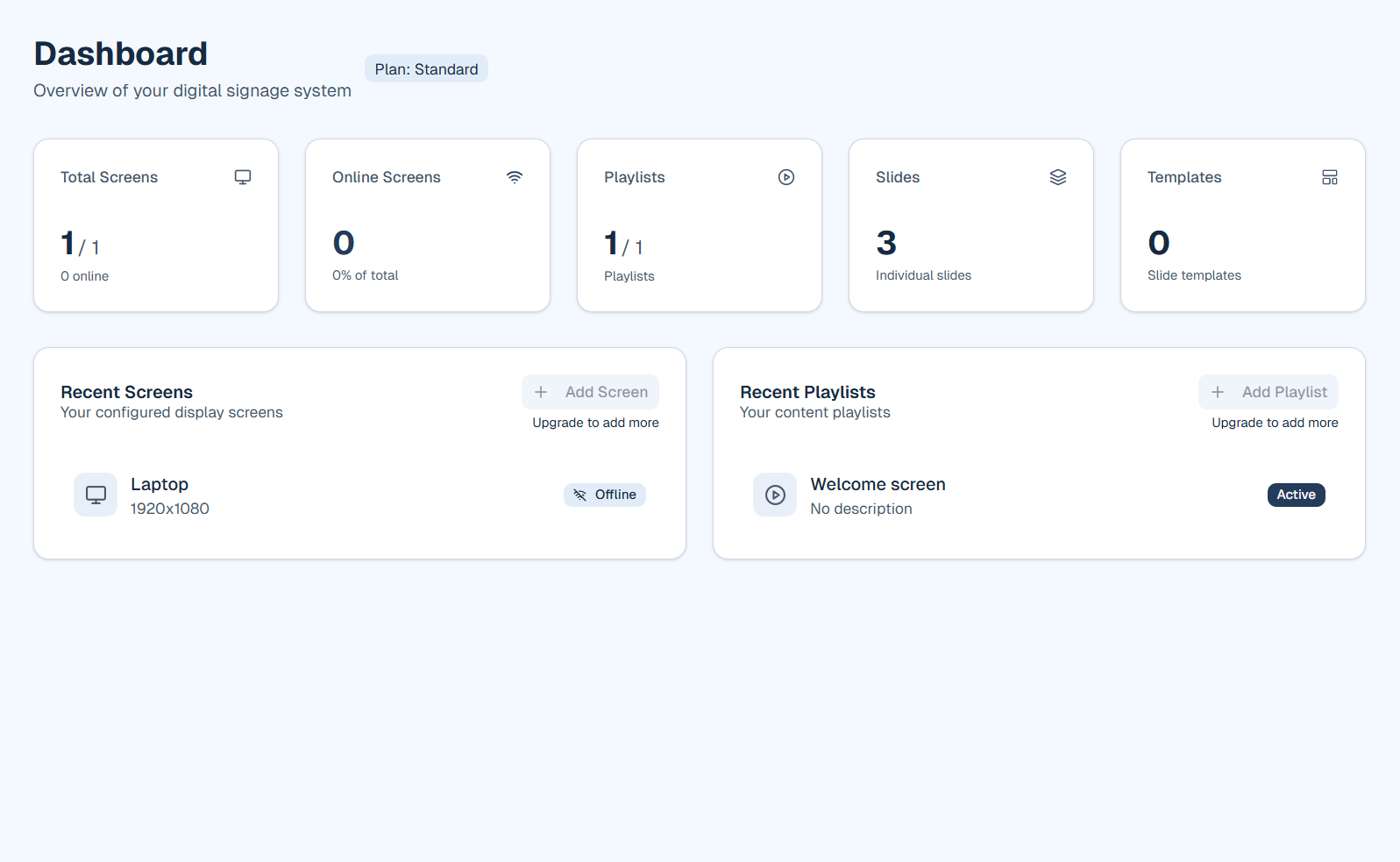
Zo ziet het eruit in firmo
Wat je kunt doen
Gebruik firmo om schermen in het kantoor om te zetten in live communicatiekanalen.
- Vergaderruimte-borden met de agenda van vandaag en bezetting via Google of Microsoft 365
- Bedrijfsnieuws, HR-updates en evenementen in een roterende afspeellijst
- KPI-dashboards en metrics waar teams samenkomen: receptie, pauzeruimtes, gangen
- Welkomstschermen in de lobby met je logo, openingstijden en routing
- Verschillende afspeellijsten per verdieping of gebouw zodat elk gebied relevante content toont
Belangrijkste voordelen voor kantoren
- Toon bezetting en agenda's van vergaderruimtes via Google of Microsoft 365
- Verspreid bedrijfsnieuws en mededelingen naar alle schermen
- Verwelkom bezoekers met gebrandmerkte lobby-schermen
- Toon KPI's of dashboards waar teams samenkomen
Voorbeeldtoepassingen
Hoe je begint
Maak een account en koppel Google Agenda of Microsoft 365 in Instellingen. Bouw een afspeellijst met de agenda-widget en eventuele welkomst- of nieuwsslides en wijs de speler-URL toe aan elk scherm.
Klaar om firmo voor jouw sector te proberen?
Start gratis of boek een korte demo. We laten playlists, widgets en schermen zien.